Aimbot
Expand Your Vision: Enhancing Gameplay with FOV Customization
People mix up two FOVs. Camera FOV is the in-game view — many players sit around 100 to 110 for flanks. Aimbot FOV is a circle on the assist. FOV customization on the cheat is that circle, not your graphics slider.
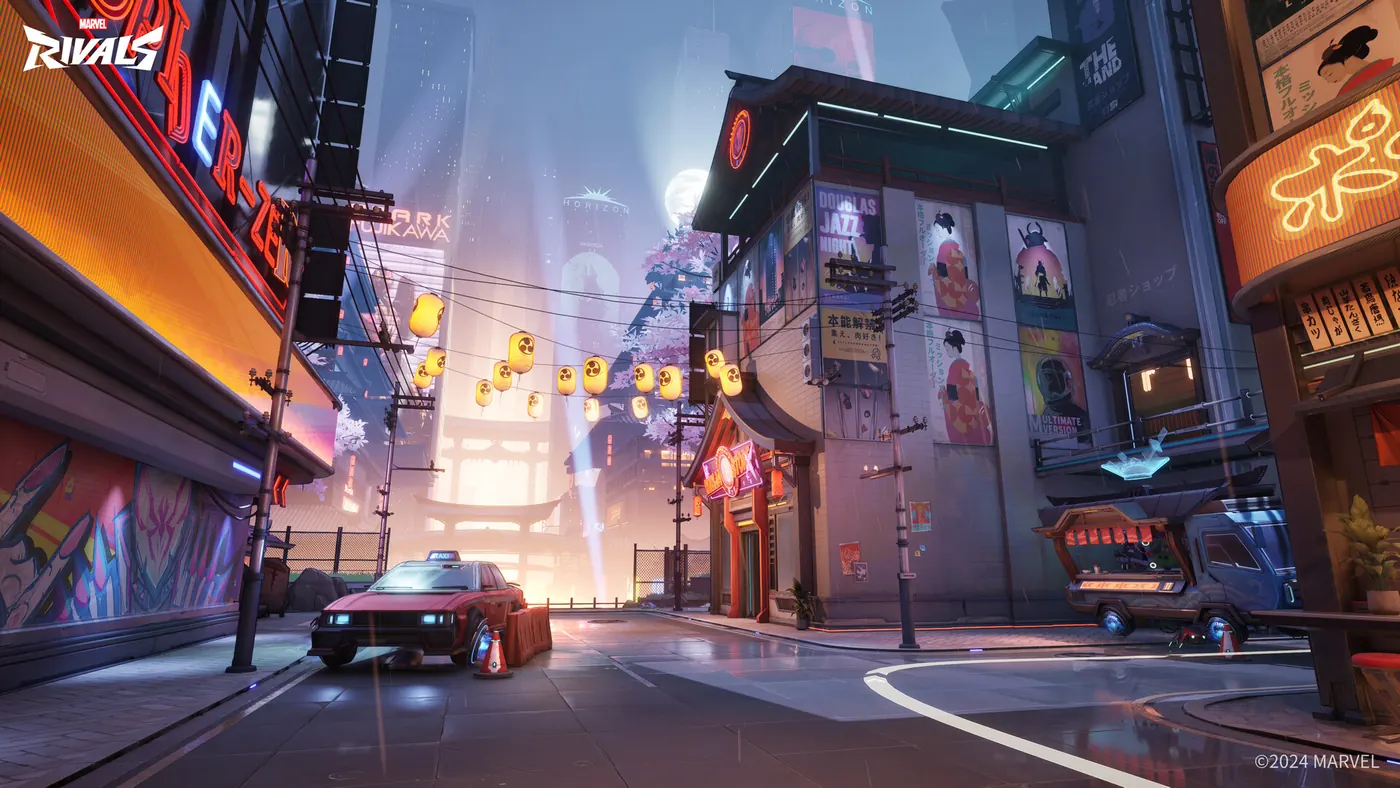
Camera FOV vs aimbot FOV
Raise camera FOV in Marvel Rivals settings if you get beamed from the side. That is a visibility choice. It also shrinks distant heads. Competitive rifle players often land near 100–110, not 120+ fish-eye.
Aimbot FOV is how far off-crosshair the assist is allowed to grab. Wide grab plus hero priority will steal Magik across the choke. Start small. Widen only if you miss tracking on beams.
Per-hero circles
Hitscan wants a tight circle. Iron Man and other trackers can take more. Melee wants a short, brief grab so a dash does not curve into a tank. Save them as profiles next to smoothing.
See the circle, then hide it
Draw the FOV ring while you tune. Hide it for ranked. Confirm Status after patches. Get the controls on the Store.
FAQ
Is aimbot FOV the same as camera FOV?
No. Camera FOV is the game camera. Aimbot FOV is the assist grab radius. Set them for different jobs.
What camera FOV should I use?
Many players use about 100–110 for awareness without shrinking targets to specks. Test in Practice Range. There is no single magic number.
Why does a huge aimbot FOV feel worse?
It steals whoever is in the circle, often a Vanguard. Tight FOV plus a smart priority list is cleaner.
Should I leave the FOV ring on?
For tuning, yes. For ranked, hide it. The ring is a lab tool.
Get the full stack for Marvel Rivals Cheats
Hero ESP, aimbot, and cooldown tracker in one Windows PC license. Check Status after patches, then queue.