Aimbot
Look Natural While Dominating: Configuring Aim Smoothing Controls
Smoothing is how fast the assist closes the gap. Zero smoothing is a teleport to the head. High smoothing is a slow glide. Aim smoothing controls exist so the path looks like a mouse, not a macro.
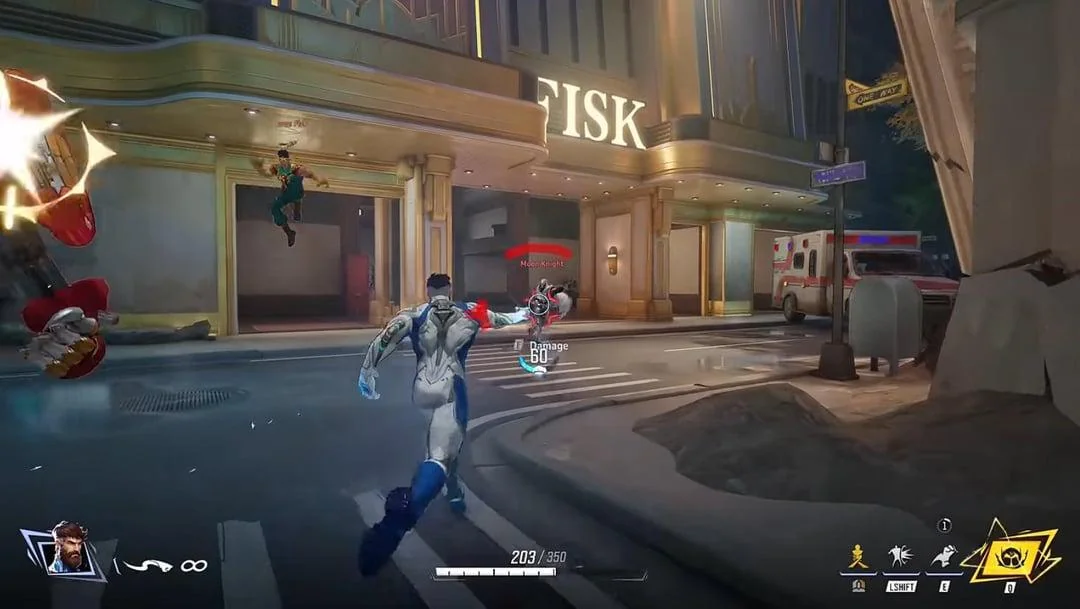
Start too smooth on purpose
New profiles should feel late. If a friend watching a clip says it snaps, raise smoothing and shrink aimbot FOV. Hitscan can sit smoother than a beam. Beams need enough speed to stay on Iron Man’s flight path.
Vanilla mouse settings still matter. Turn in-game mouse smoothing and acceleration off so the assist is not fighting Windows. Raw input on. Then layer cheat smoothing on a clean mouse.
Smoothing plus recoil plus priority
No recoil without smoothing is a straight laser. Smoothing without priority glides onto the wrong hero. Tune all three on one profile, then duplicate it for the next hero.
Clips lie, Status does not
Record one unrated game. If the crosshair teleports, you are not done. Check Status after NACE patches. The Store includes the sliders in the aimbot license.
FAQ
What do aim smoothing controls change?
How quickly the assist moves your aim onto the target. Higher values look more human and miss more flicks. Lower values look robotic and hit more snaps.
Should smoothing match my mouse sens?
Ballpark, yes. Low sens hitscan can take more smoothing. High sens divers need enough speed to finish a 180. Do not copy a number from a different hero.
Is in-game mouse smoothing the same thing?
No. Turn the game’s mouse smoothing off. Cheat smoothing is a separate curve on the assist.
When is smoothing too high?
When you lose every close duel because the crosshair arrives after they already dashed. Drop it a step, do not jump to zero.
Get the full stack for Marvel Rivals Cheats
Hero ESP, aimbot, and cooldown tracker in one Windows PC license. Check Status after patches, then queue.