Settings
The Best FPS Mod Marvel Rivals Has Available
The best FPS mod Marvel Rivals players actually use is not a secret .exe. It is a config pak that lowers Unreal Engine 5 quality, plus the right in-game sliders. Do the settings first. Add a pak only if team fights still hitch.
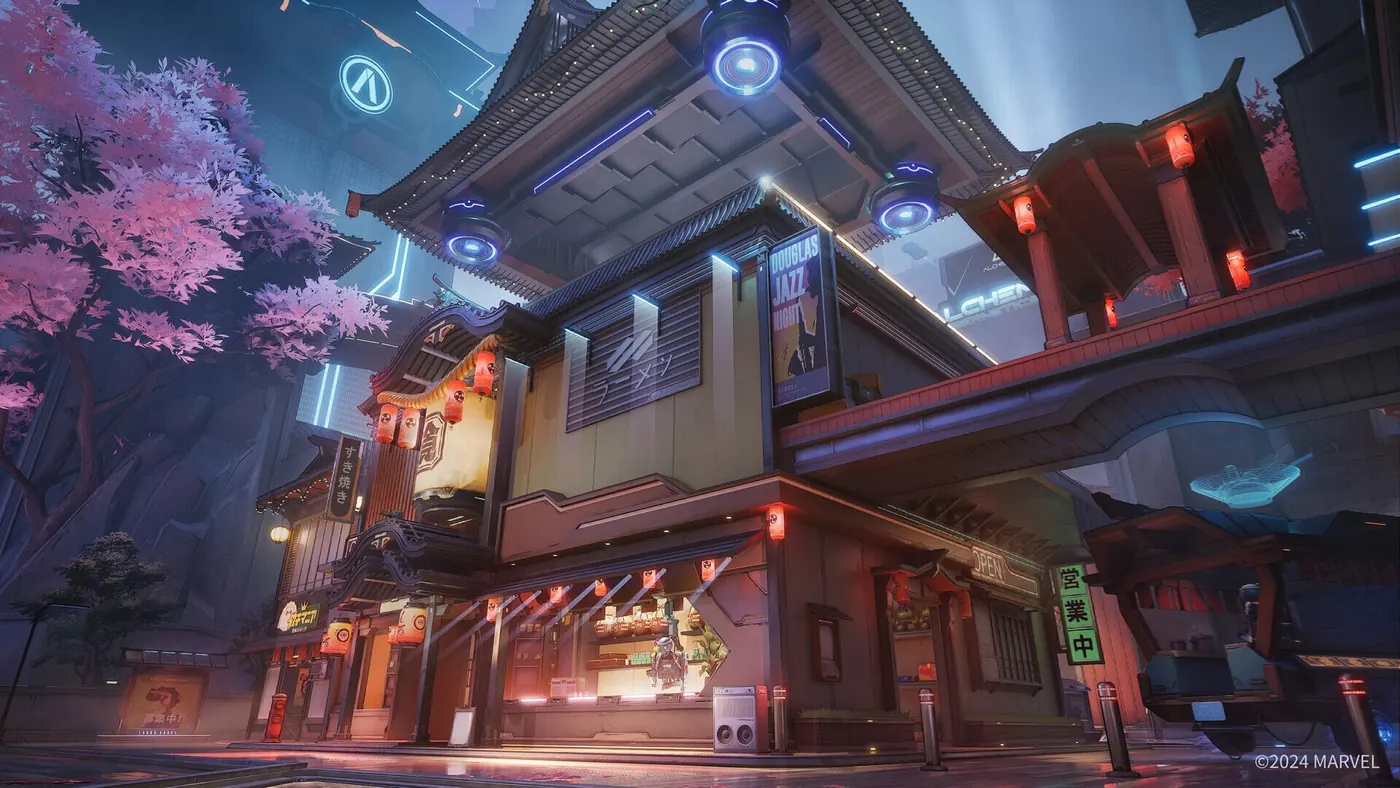
What an FPS mod actually is in this game
Marvel Rivals runs on Unreal Engine 5. Community “FPS mods” are packaged engine settings — config paks or Scalability.ini files — not memory tools. They cut internal resolution, fog, shadows, and post-processing so 6v6 fights hold a stable frame rate.
RivalsFPS.gg is the current one-click installer. It ships three paks: Standard at 80% internal resolution, Potato at 50%, and Ultra Potato at 30%. Use Standard unless your GPU is already on the floor. Potato and Ultra Potato look muddy on purpose.
If you want a manual drop, Nexus still hosts FPS Performance Enhancer and similar Scalability packs. Those go in AppData\Local\Marvel\Saved\Config\Windows or in MarvelGame\Marvel\Content\Paks\~mods. One config pak at a time. Stacking two is how you crash on boot.
Best Marvel Rivals settings before any pak
The best Marvel Rivals settings for frames start in the Display menu, not in a zip file. Set Graphics Quality to Custom. Set Global Illumination to SSGI – Low Quality. Set Reflection Quality to Screen Space Reflections. Never leave Lumen GI or Lumen Reflections on for ranked. Lumen is software ray tracing. It is the biggest FPS cost in the client.
Then drop Model Detail, Post-Processing, Effects Detail, and Foliage Quality to Low. Keep Shadow Detail on Medium so enemy silhouettes still throw a ground shadow around corners. Low shadows delete that read. Texture Detail can sit at Low or Medium if you have 8 GB of VRAM.
Display: Full Screen, native resolution, V-Sync Off, NVIDIA Reflex On (On + Boost if the card stays stable). AMD users want FSR or Epic TSR. NVIDIA users want DLSS on Quality. Turn Frame Generation Off. Extra fake frames add 10–20 ms of input delay. Motion blur Off. Show FPS On so you can see whether the pak actually helped.
When a config pak is worth it
If SSGI Low plus DLSS or FSR already holds your monitor’s refresh in a full team fight, stop. A Potato pak will not make Hela track better. It will just blur Magik’s silhouette.
Install a pak when 1% lows collapse in payload chaos — Iron Man beams, Storm ult, Groot walls at once. Standard is the sane first try. Potato is for laptops and 6 GB cards. Ultra Potato is a last resort. After a game patch, re-apply the pak. Engine updates often ignore old files.
Community installers also add a signature helper so the client loads extra paks from ~mods. That is a load path for configs. It is not aim assistance. Treat it like any unsigned Windows tool: download from the project site, not a random mirror.
Official toggles most people skip
The Display menu has Optimized Settings. Hit Set once if you do not want to hand-tune every slider. It is a hardware guess, not a ranked preset. Still turn Lumen off after it runs.
Under Other, Performance Optimization (Beta) downloads an extra NetEase package. Restart the client after you accept it. Pair that with Windows Game Mode and Hardware-accelerated GPU scheduling. Keep the game on an SSD. Shader compile stutters on first launch after a patch are normal — wait them out in the practice range, not in ranked.
Frames, overlays, and patch days
ESP boxes, health bars, and cooldown text also cost GPU time. If you run overlays, keep filters tight so the payload fight stays readable and the frame graph stays flat. Stream-proof mode matters if a capture card is encoding at the same time.
Tune hero ESP and aimbot after FPS is stable. Soft aim on a 40 FPS hitch looks worse than no assist. The cheats guide covers that stack. Check Status after a client or NACE update — configs and software both need a fresh build.
When you want the license, open the Store. Frames first. Then Features.
FAQ
What is the best FPS mod Marvel Rivals players use?
A config pak, not a trainer. RivalsFPS.gg Standard (80% internal resolution) is the usual first install. Nexus Scalability packs do the same job by hand. Turn Lumen off in-game before you add either one.
What are the best Marvel Rivals settings for FPS?
Custom graphics, SSGI – Low Quality, Screen Space Reflections, Low model/effects/foliage/post-processing, Medium shadows, Full Screen, V-Sync Off, Reflex On, DLSS or FSR on Quality, Frame Generation Off. That list beats a Potato pak on most mid-range PCs.
Is Lumen worth keeping on?
No for ranked. Lumen GI and Lumen Reflections are Unreal Engine 5 software ray tracing. They look nicer in screenshots and dump 30 or more frames in a real 6v6. SSGI Low plus screen-space reflections is the competitive pair.
Will a config pak get flagged by NACE?
Config paks change render quality. They are not ESP or aimbot. NACE still updates when the client updates, and old paks can fail to load after a patch. Re-apply from the same source and check Status before you queue.
Should I use Frame Generation to boost FPS?
Leave it off if you care about aim. Frame Generation adds on-screen frames and extra input delay. Cap match FPS a little under your real average instead, or use DLSS/FSR Quality. Potato paks exist for GPUs that still cannot hold 60.
Get the full stack for Marvel Rivals Cheats
Hero ESP, aimbot, and cooldown tracker in one Windows PC license. Check Status after patches, then queue.